
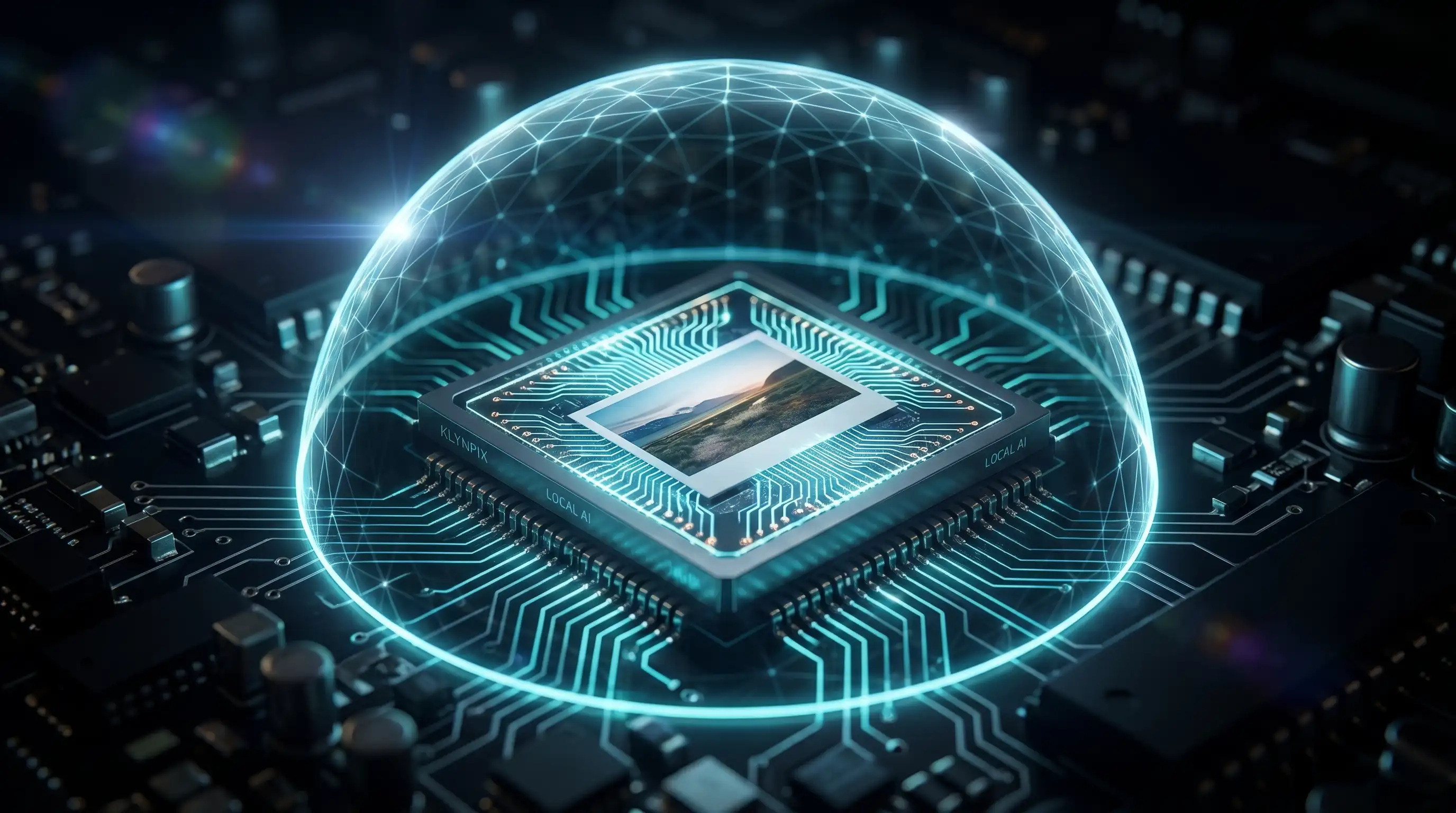
The cloud was supposed to make our lives easier. For years, we’ve been told that offloading our tasks to massive, centralized servers was the only way to get powerful computing. But when it comes to personal photos and sensitive data, the cloud has become a privacy nightmare.
When you upload a photo to a cloud server to blur a face or remove a background, you lose control of that data instantly. You are trusting a third party with the most intimate details of your life. In 2026, that trust is broken.
The future of privacy doesn’t rely on better “Terms of Service” or stronger server firewalls. The future is Local-First AI.
Here is why client-side processing is changing the game for digital privacy.
1. The Death of Cloud Processing for Sensitive Media
Think about the traditional workflow of a “free” online photo editor:
- You select a photo on your device.
- It uploads over your network to a remote server.
- The server runs its algorithm (and potentially logs the data, scans the faces for training, or stores metadata).
- You download the processed file.
Every step of this process introduces a vulnerability. Even if the service claims they delete your photo after 24 hours, your data has still traveled across the internet, passed through load balancers, and sat in temporary server memory. For journalists protecting anonymous sources or parents sharing pictures of their children, “probably deleted” is not secure enough.
2. WebAssembly and the Browser Revolution
So, if the cloud is compromised, how do we run complex Artificial Intelligence tasks like facial recognition or EXIF metadata purging?
The answer lies in technologies like WebAssembly (Wasm) and WebGL.
Modern web browsers are incredibly powerful. They have evolved from simple document viewers into full-fledged operating systems capable of utilizing your device’s GPU. Local-first tools leverage this power to download a lightweight machine learning model directly into your browser’s cache.
Instead of sending your photo to the AI, we bring the AI to your photo.
3. Mathematical Guarantees vs. Empty Promises
The beauty of in-browser, local AI processing is that you don’t need to read a 50-page Privacy Policy to know your data is safe. You have a mathematical, architectural guarantee.
When you use a local-first application:
- Zero Data Transfer: The file never leaves your hard drive.
- Offline Functionality: Once the web application is loaded, you can disconnect your Wi-Fi or turn on Airplane Mode. The AI will continue to detect faces and blur them seamlessly.
- Instant Destruction: Because the processing happens entirely in your device’s RAM (Random Access Memory), the moment you close the browser tab, the session ceases to exist. There is no server log left behind.
4. Performance Meets Privacy
Beyond privacy, local AI solves the biggest friction point of cloud tools: Speed and Bandwidth.
If you are a photographer or an agency handling a batch of 50 high-resolution 4K images, uploading gigabytes of data to a cloud server is painfully slow. With local AI, batch processing happens at the speed of your own hardware. Your photos are processed instantly, without waiting for progress bars or server queues.
Experience True Zero-Trust Architecture
We built KlynPix on one fundamental belief: Privacy should not be an option you configure; it should be the default architecture.
You no longer have to compromise between advanced AI editing and data security. You can now blur faces, strip hidden GPS coordinates, and sanitize your media entirely on your own device.
Ready to see local-first AI in action? Open the Local Studio, disconnect your internet if you want to test it, and experience what true privacy feels like.